Semi-Automatic vs Automatic Solder Paste Printers: When to Move Up
What separates manual, semi-automatic and fully automatic stencil printers, which jobs each suits, the signs that a semi-automatic printer is holding a line back, and what the FAROAD automatic printers add.
5 min read
Many small SMT shops start with a semi-automatic stencil printer because it is compact and simple to understand. As volume grows, the same printer can quietly become the step that limits yield and output. This guide compares the three printer types, explains which tasks still depend on the operator, and lists the signs that it is time to move to a fully automatic machine. For feature-by-feature printer selection, see our solder paste printer selection guide.
Three printer types in plain terms
- Manual printers. The operator places the board, lowers the stencil, pulls the squeegee by hand and lifts the stencil. Useful for prototypes and repair work.
- Semi-automatic printers. The machine drives the squeegee stroke at a set speed and pressure, and usually controls the separation. The operator still loads each board, aligns it to the stencil and removes it.
- Fully automatic printers. Boards arrive on a conveyor. Cameras find fiducials on the board and stencil, the machine corrects the position, prints, separates, cleans the stencil underside on a schedule and passes the board on.
The jump from manual to semi-automatic removes stroke variation. The jump to fully automatic removes most of the remaining human steps.
What the operator still controls on a semi-automatic printer
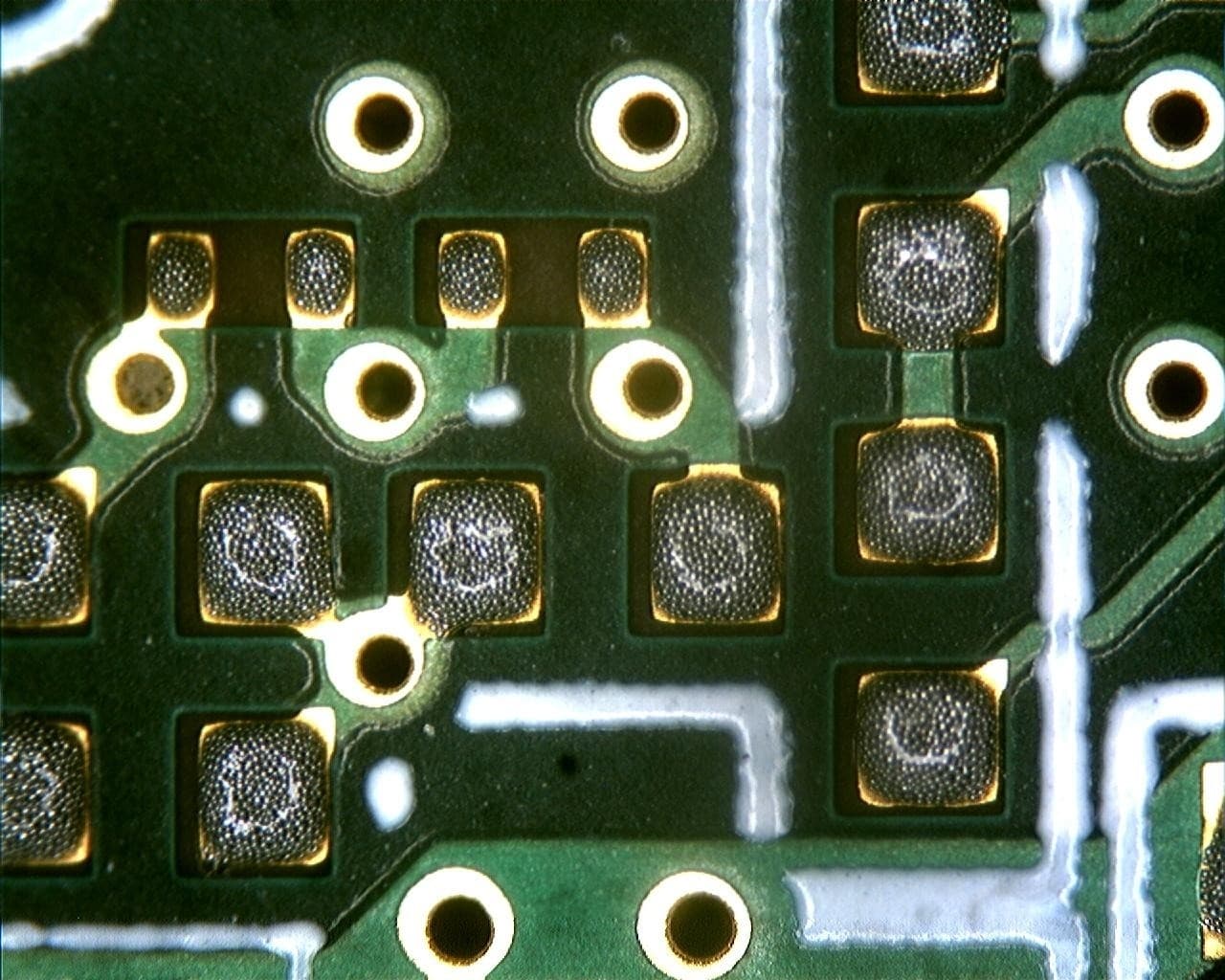
Solder paste printed onto PCB pads. Deposit shape and position decide much of what happens later in placement and reflow. Photo: Ossewa. Source on Wikimedia Commons, CC BY-SA 3.0. Recompressed as JPEG for publication; not cropped or resized. This file is shared under the same license.
On a semi-automatic machine, several things that strongly affect print quality are still done by hand:
- Alignment. Many units use manual X, Y and angle adjustment against the stencil, sometimes with an optical aid. Small errors repeat on every board until someone notices.
- Board support. The operator sets support pins or a fixture. A board that flexes under the squeegee prints unevenly in the middle.
- Stencil cleaning. Underside wiping is done by hand, at intervals that depend on discipline and how busy the shift is.
- Paste handling. Adding paste, kneading it and judging when the roll is too small are judgment calls.
- Loading rhythm. Throughput depends on how quickly and consistently a person can load, print and unload.
Each of these is manageable on short runs. Across a full shift or several shifts, they become the main source of variation.
Where semi-automatic printing still makes sense
A semi-automatic printer can be the right choice when:
- Volumes are low and board types change often, such as prototype and repair work.
- Boards are large, simple and forgiving, with no fine-pitch packages.
- The rest of the process is manual or batch, so a conveyor would have nothing to feed.
- One skilled operator owns the process and inspects prints.
If the goal is a connected line with a placement machine and an inline oven, a manual front end usually limits the whole line. Our guide to automatic and semi-automatic SMT lines looks at that choice station by station.
Signs it is time for a fully automatic printer
Watch for these signals in your own data:
- Print defects such as bridging, insufficient paste or offset change from shift to shift or operator to operator.
- The placement machine waits for boards because the printer cannot keep pace.
- You are adding fine-pitch QFNs, BGAs or 0201 chips, where alignment and separation leave little margin.
- Engineers spend time re-aligning stencils instead of improving the process.
- Customers ask for print data or traceability that a manual step cannot supply.
- You plan to add SPI, and you want its results to correct the printer automatically.
If several of these sound familiar, an automatic printer deserves a proper evaluation.
What a fully automatic printer adds
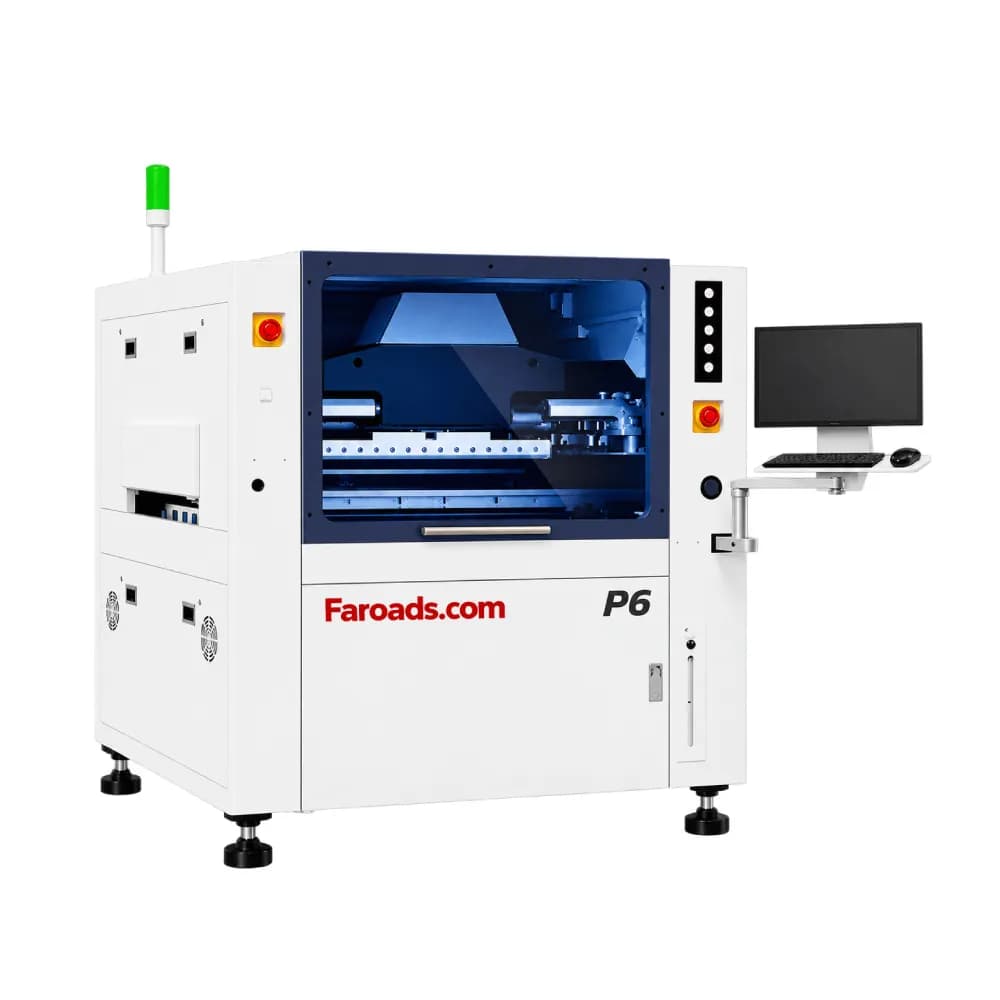
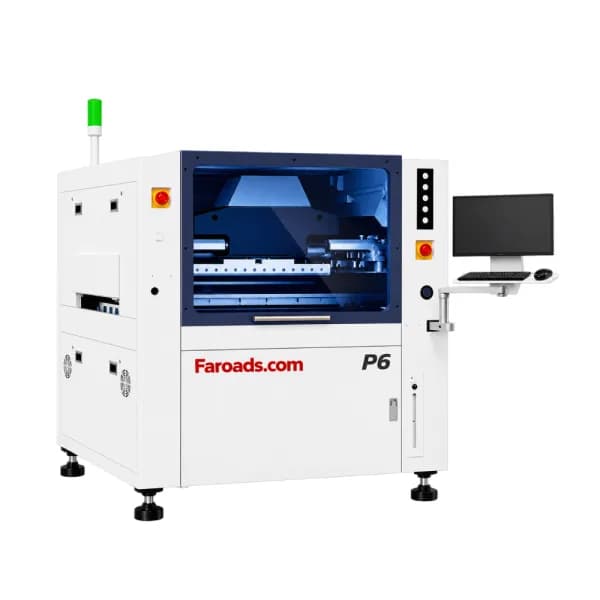
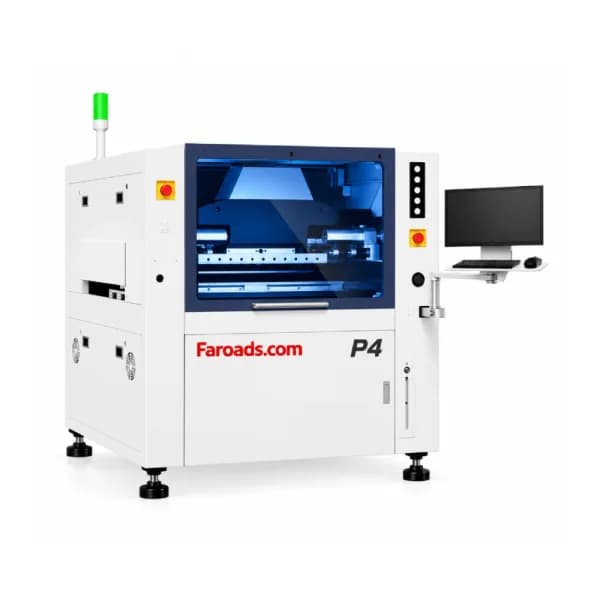
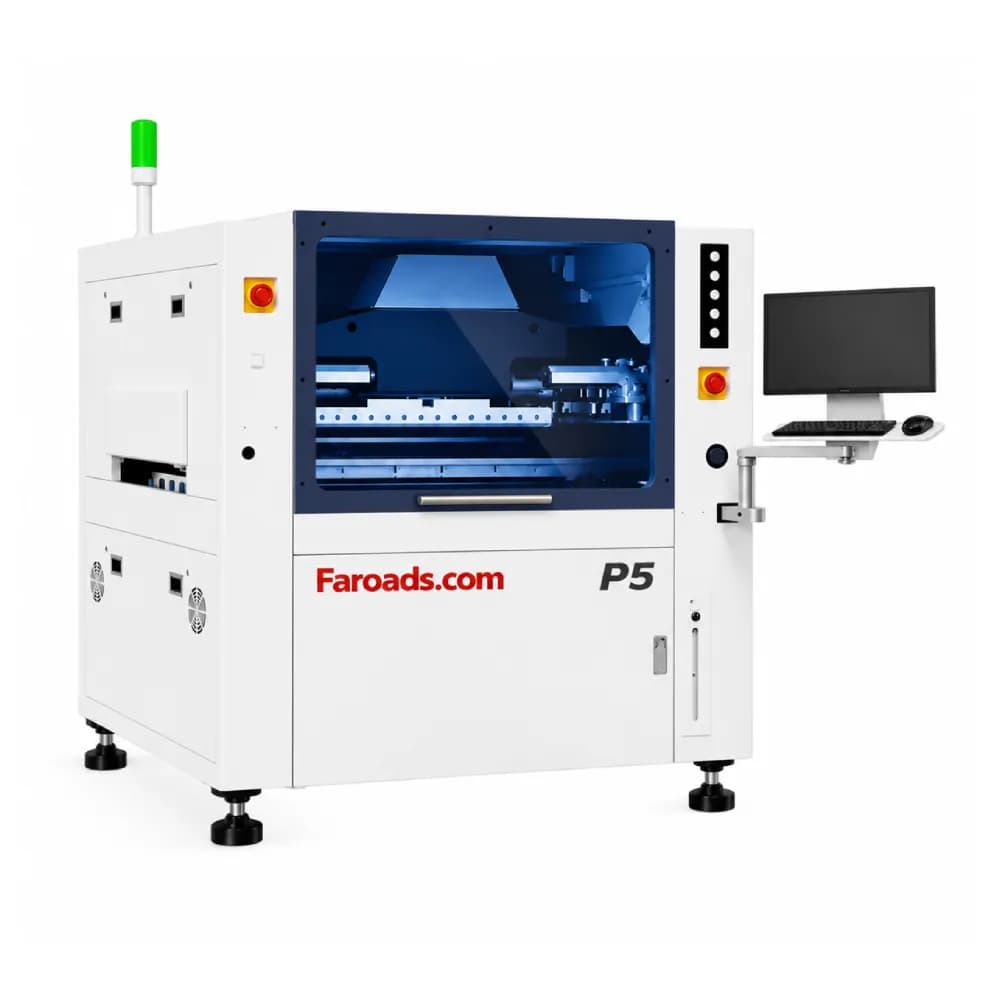
FAROAD's current printer listings are fully automatic models: the P4, P5 and P6 for standard boards and the P20 for long LED boards. Points that answer the problems above:
- Vision alignment and correction. The P-series pages describe a UVW platform with closed-loop compensation.
- Automatic stencil positioning once the stencil is placed in the frame, and automatic track-width adjustment.
- Software-controlled squeegee pressure, listed at 0–20 kg with print speeds of 1–120 mm/s.
- Board support with support blocks, support pins and a flexible vacuum cavity.
- Built-in underside cleaning, listed as wet, dry and vacuum in combination.
- Optional 2D inspection of printed paste on the P5 page.
Board size sets the model. The headline print areas are 340 × 400 mm for the P4, 510 × 510 mm for the P5, 650 × 610 mm for the P6 and up to 1,500 × 350 mm for the P20. Our guide to sizing an automatic solder paste printer covers that step in detail.
An illustrative comparison of operator time
As an illustrative example only: suppose a semi-automatic print takes an operator 40 seconds to load, align, print and unload, and a shift needs 600 boards. That is about 6.7 hours of hands-on printer time, before cleaning and paste checks. The P5 table lists a 7-second cycle. At that rate the same 600 boards take about 70 minutes of machine time, and the operator's role shifts to supplying paste, checking results and changing stencils. Your actual times depend on board design, panelization and cleaning frequency, so measure them on your own product.
Time is only part of the picture. The bigger gain is usually repeatability: the same alignment, pressure, speed and separation on the first board of the shift and the last, which shows up as fewer print-related defects at inspection and less rework downstream.
Frequently asked questions
Is a semi-automatic printer accurate enough for 0402 parts? It can be, with a skilled operator, good fixturing and frequent inspection. The risk is consistency over a long run rather than the best single print. Can a semi-automatic printer feed an inline SMT line? Some can be placed in front of a conveyor, but loading and unloading still depend on a person. That person's pace becomes the line's pace. Does FAROAD sell semi-automatic or manual printers? The FAROAD printer category text mentions semi-automatic and manual printers, but the models currently listed (P4, P5, P6 and P20) are fully automatic. Ask during quotation if you need a different type. Should I add SPI at the same time as an automatic printer? If your boards include fine-pitch or hidden-joint packages, it is worth planning both together so inspection results can be used to adjust printing.
Plan your move to automatic printing
Send FAROAD your largest panel, finest pitch, stencil frame size and daily board count, and we will recommend a P-series printer that fits the rest of your line. Request a quote to get a configuration.