Solder Paste Printer Stencil Cleaning: What Buyers Should Know
Why under-stencil cleaning matters for print quality, how wet, dry and vacuum wipe modes differ, how to set cleaning frequency without losing throughput, and what to check on a printer's cleaning system before you buy.
5 min read
Every print leaves a little paste behind on the underside of the stencil and inside the apertures. Left alone, that residue smears onto the next board, partly blocks fine apertures and gradually turns a good print into a defect source. The under-stencil cleaning system built into an automatic printer is what keeps this in check during a shift. It gets less attention than vision or squeegee control when buyers compare printers, yet it has a direct effect on print yield and on how many boards the printer really delivers per hour.
Why the underside of the stencil gets dirty
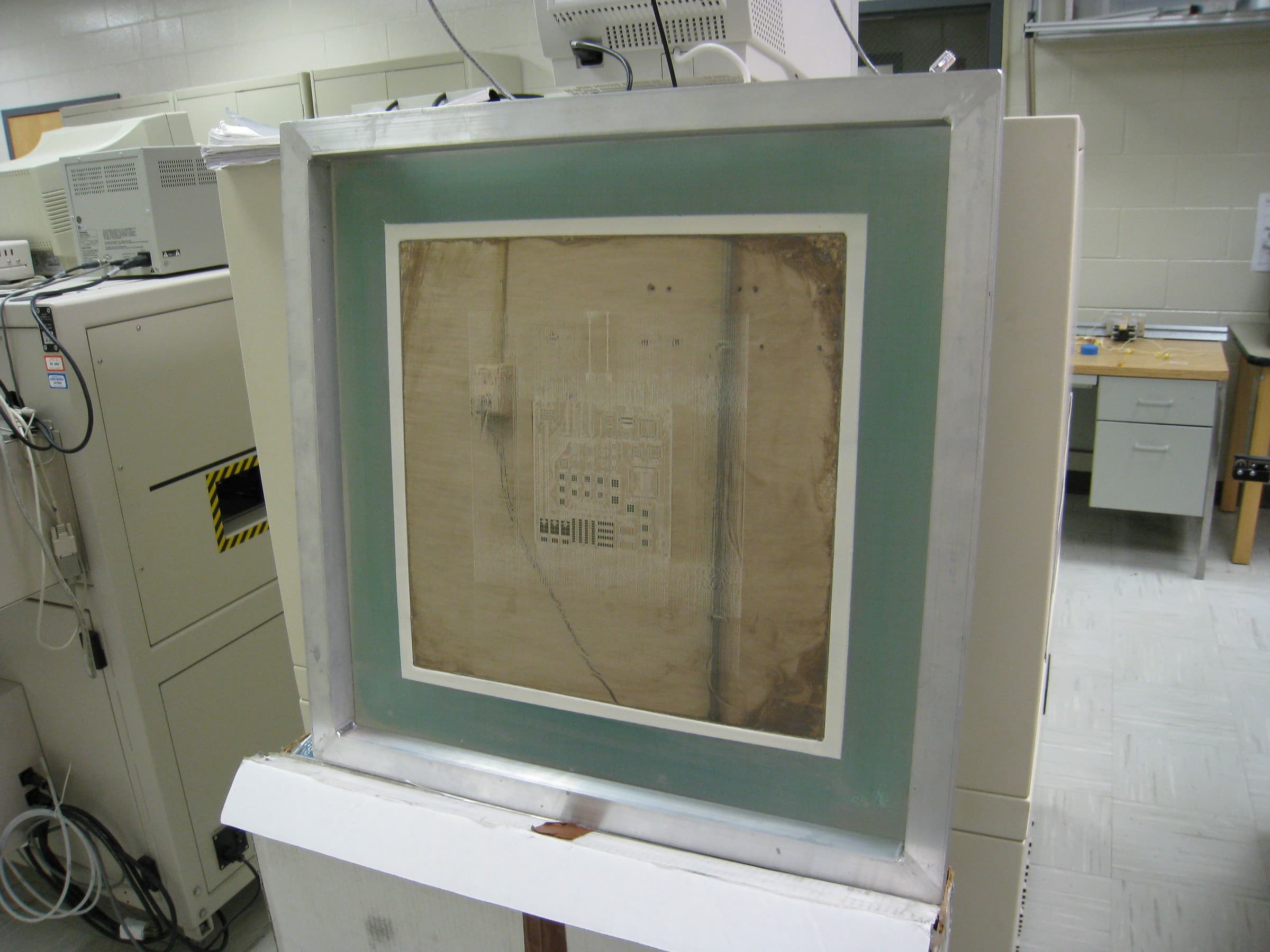
A framed SMT stencil of the kind used in a solder paste printer, with paste residue visible across its surface. Residue like this is what the printer's cleaning system removes. Photo: Nelatan. Source on Wikimedia Commons, CC BY-SA 3.0. Resized from 3264 × 2448 px to 2400 × 1800 px and recompressed as JPEG for publication; not cropped. This file is shared under the same license.
During each print the stencil sits in contact with the board. When the board drops away, most paste releases onto the pads, but a small amount clings to aperture walls and spreads under the stencil around the openings. Several factors make this worse:
- Fine-pitch apertures and small area ratios, where paste release is less complete.
- Imperfect gasketing between stencil and board, often caused by warped boards, poor support or solder mask height.
- Paste that has thickened after long exposure on the stencil.
- Slight misalignment, which pushes paste outside the pad area.
The result shows up as smudges, bridging between fine-pitch pads, solder balls near pads after reflow, and insufficient deposits where apertures have started to clog. Our guide to solder paste printing defects covers how to tell these causes apart.
Wet, dry and vacuum wipes explained
Most automatic printers clean with a roll of lint-free paper that moves under the stencil while a wiper presses it upward. The modes can be combined into a cleaning cycle:
- Dry wipe: paper alone removes loose paste from the underside. It is fast and is often used between more thorough cleans.
- Wet wipe: the paper is dampened with a cleaning solvent to dissolve flux and paste film. It cleans more thoroughly but needs a dry pass afterward so no solvent remains.
- Vacuum wipe: suction through the paper pulls paste out of the apertures themselves, which matters most for fine-pitch and small openings.
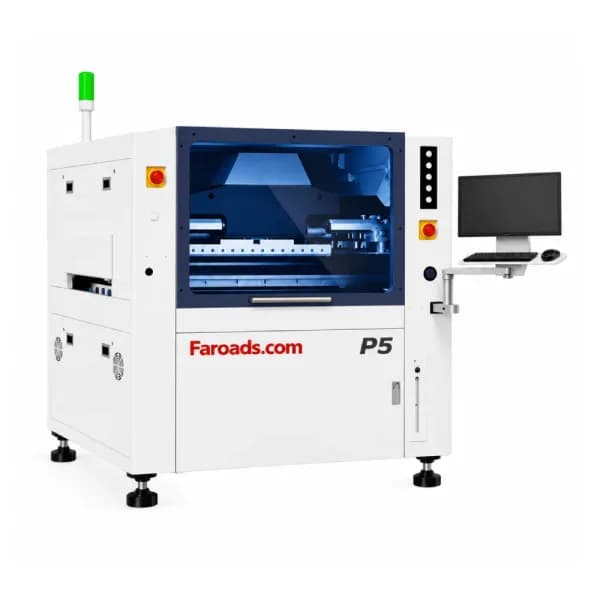
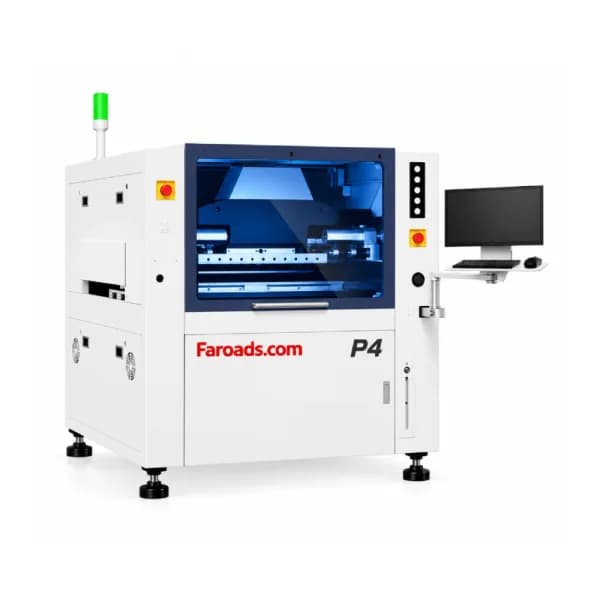
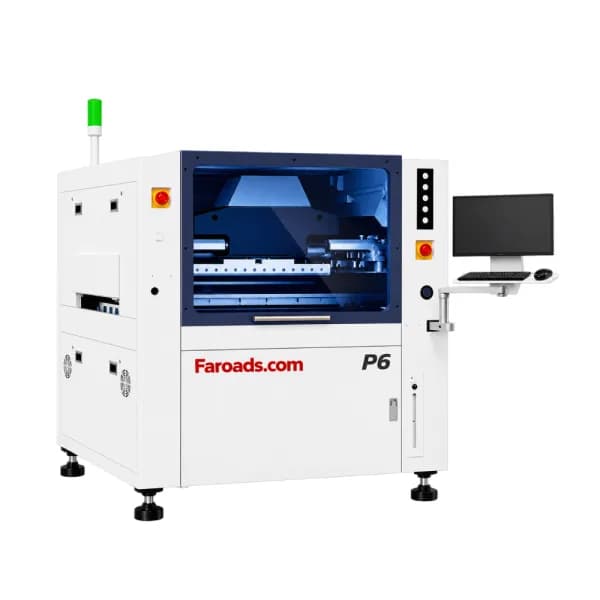
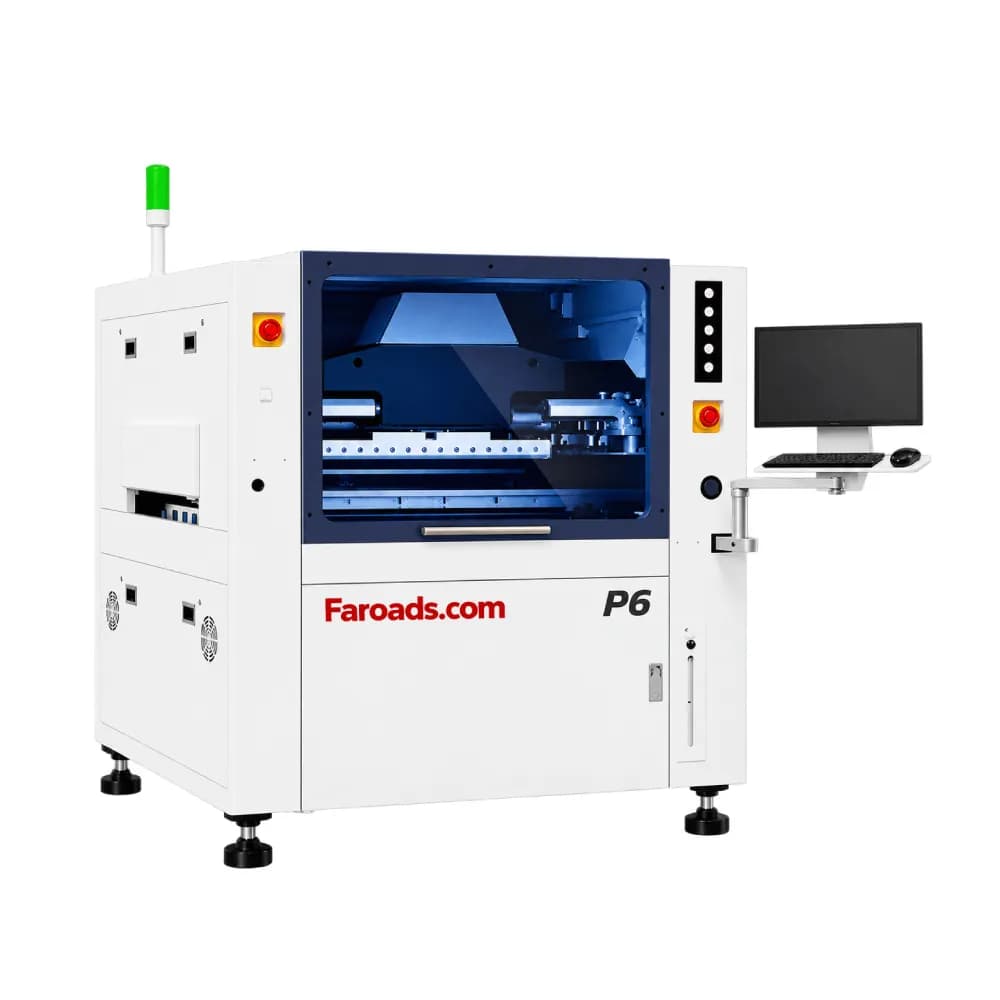
FAROAD's P4, P5 and P6 automatic printers list a cleaning structure of "wet cleaning + dry cleaning + vacuum free combination", meaning the modes can be combined as the process requires. The P20 long-board LED printer lists an easy application and cleaning system.
How often to clean without losing throughput
Cleaning frequency is a balance. Too little and defects rise; too much and the printer spends time cleaning instead of printing, while paper and solvent costs climb. Typical settings depend on the stencil, paste and board, so start conservative and adjust using inspection data.
As an illustrative calculation only: FAROAD lists a 7-second cycle time for the P5. If a full wet, vacuum and dry cycle took an assumed 30 seconds and ran after every 5 boards, the printer would spend 35 seconds printing and 30 seconds cleaning for each group, cutting print output nearly in half. Cleaning every 20 boards instead would add about 1.5 seconds per board. In practice many lines use a quick dry wipe often and a full cycle less often, and the right mix comes from testing on your own boards.
Settings worth recording for each product include the cleaning interval, the order of modes, wiper speed and the number of passes, so the same recipe can be recalled every time the job returns. Recall matters more than it seems. When a job comes back months later on a different shift, an operator who has to rebuild the cleaning settings from memory will rarely match the version that produced good results last time.
Let inspection data set the cleaning interval
A 3D SPI after the printer turns cleaning from guesswork into a measured setting. If paste volume or bridging starts to drift a few prints after each clean, the interval is too long. If deposits stay stable well beyond the interval, you can extend it. Our article on 3D SPI machine selection explains what to look for in an SPI that feeds data back to the printer. The P6 also lists an optional 2D inspection system for checking paste after printing, which is useful where an SPI is not yet installed.
What to check on a printer's cleaning system
When you compare automatic printers, ask the supplier to show the cleaning system in operation and answer these questions:
- Which modes are available, and can they be combined and sequenced per product?
- Can the interval be set by board count, and can cleaning be triggered by inspection results?
- How is solvent delivered, and how is excess solvent prevented from reaching the board?
- How long does a full cycle take on a stencil size you use?
- How easy is it to change the paper roll and refill solvent during a shift?
- Is cleaning data recorded with the print program?
The P5 product page lists the printer's other process features, such as automatic stencil positioning and software-controlled squeegee pressure.
In-printer cleaning is not the same as stencil washing
Under-stencil wiping keeps a stencil clean during production. It does not replace a thorough wash when a job ends or a stencil goes into storage, because dried paste in apertures is difficult to remove by wiping. Offline stencil washers sit in FAROAD's PCB and stencil cleaning category, which is listed as coming soon, so plan your end-of-job washing process separately.
Frequently asked questions
Does a vacuum wipe matter if I only print standard pitch? It matters less, but it still helps keep apertures open over long runs. For fine-pitch parts it is strongly recommended. Can cleaning too often cause problems? Yes. Excess solvent left on the stencil can thin the paste on the next print, and frequent cleaning reduces throughput. What paper and solvent should I use? Use lint-free stencil wiping paper sized to the printer and a solvent compatible with your paste. Your paste supplier can confirm suitable cleaners. Does SPI replace stencil cleaning? No. SPI measures the result. Cleaning prevents the residue that causes defects. They work best together.
Discuss cleaning on your own boards
Send FAROAD your stencil size, finest pitch and paste type, and we will explain how the P-series cleaning system could be set up for your products. Request a quote to start the conversation.