P4, P5, P6 or P20? How to Size an Automatic Solder Paste Printer
A model-sizing guide for automatic stencil printers: match the panel window, stencil frame, cycle and footprint to the FAROAD P4, P5, P6 and P20 listings before you request a quote.
5 min read
Most printer comparisons start with accuracy, cleaning and vision. Those matter, and they are covered in our solder paste printer selection guide. This article answers an earlier question: which size class of automatic printer fits your boards, your stencils and your floor. Buying one size too small blocks future products. Buying one size too large costs money, space and seconds on every print.
Start from the panel, then the stencil frame
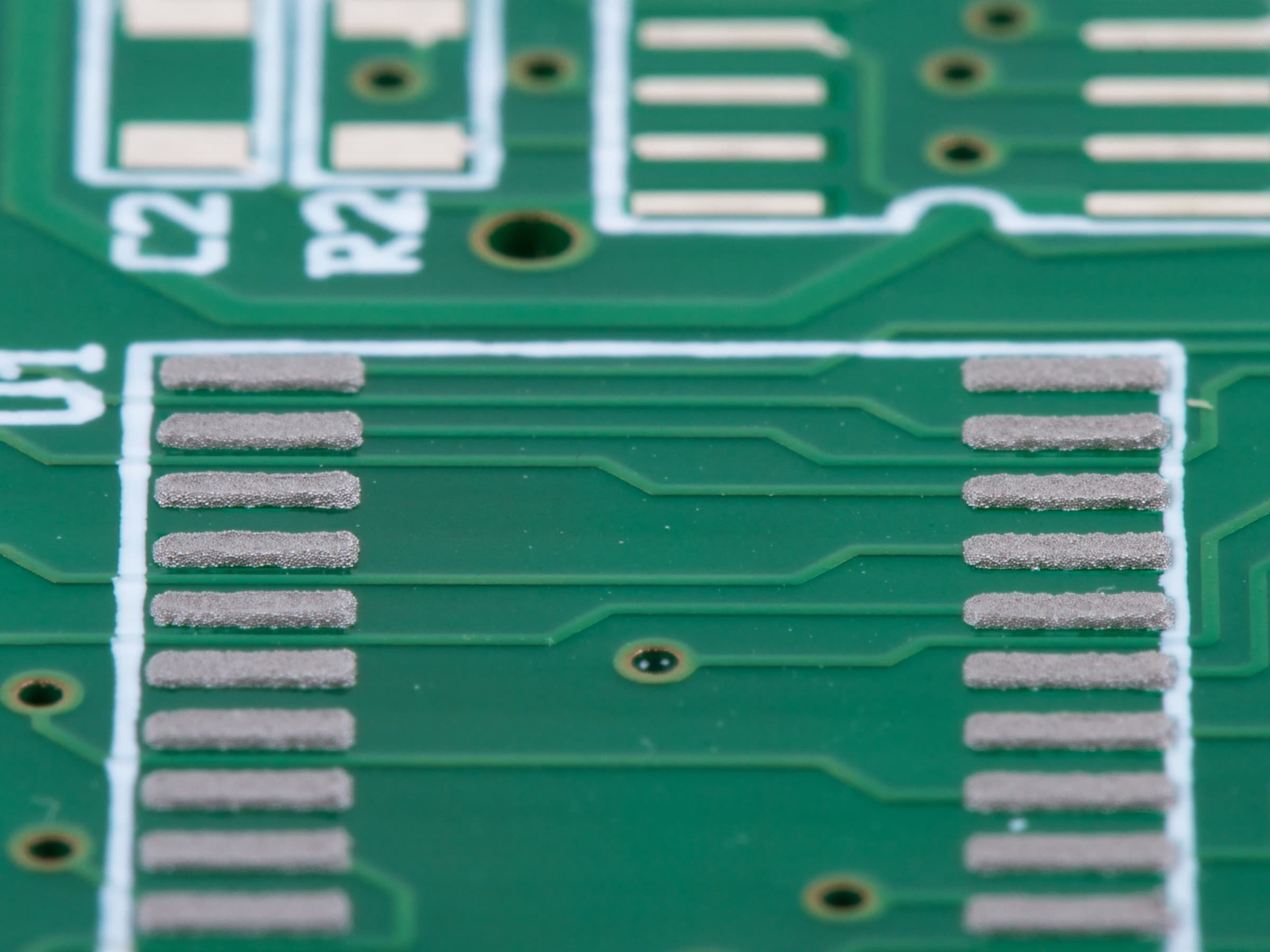
Solder paste deposits on fine-pitch pads after stencil printing. Photograph: Windell Oskay. Original source on Flickr. Licensed under CC BY 2.0. Resized from 3415 × 2561 px to 2400 × 1799 px and recompressed as JPEG for publication; not cropped.
Write down the largest and smallest panel you expect to print over the next few years, plus thickness and finished weight. Then list the stencil frames you already own or plan to buy. A printer is sized by both: the board must fit the print table and transport, and the frame must fit the stencil mount.
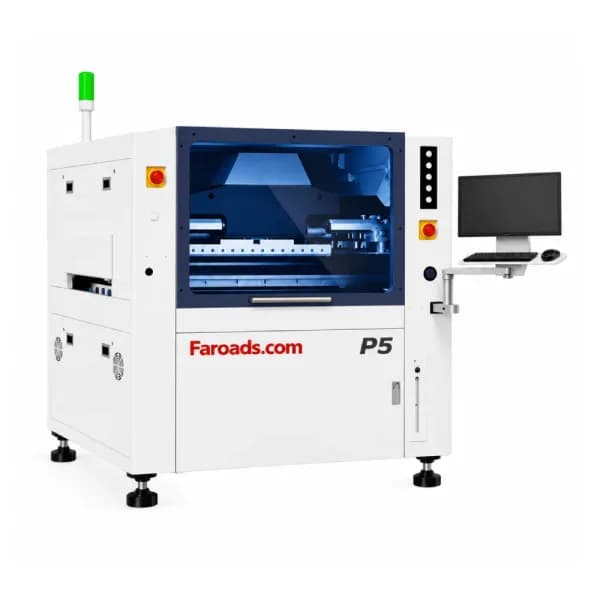
FAROAD publishes frame windows that differ widely. The P5 lists screen frames from 470 × 370 mm to 737 × 737 mm. The P6 lists 550 × 550 mm to 900 × 900 mm, with a frame thickness of 20–40 mm. The P20 lists 737 × 300 mm up to 1,800 × 650 mm for long lighting stencils. If your plant already runs 29-inch (737 mm) frames, the P5 accepts them at the top of its range; smaller legacy frames below 470 × 370 mm would need new tooling. Put frame compatibility on the order, not just the board size.
What each listed model is built around
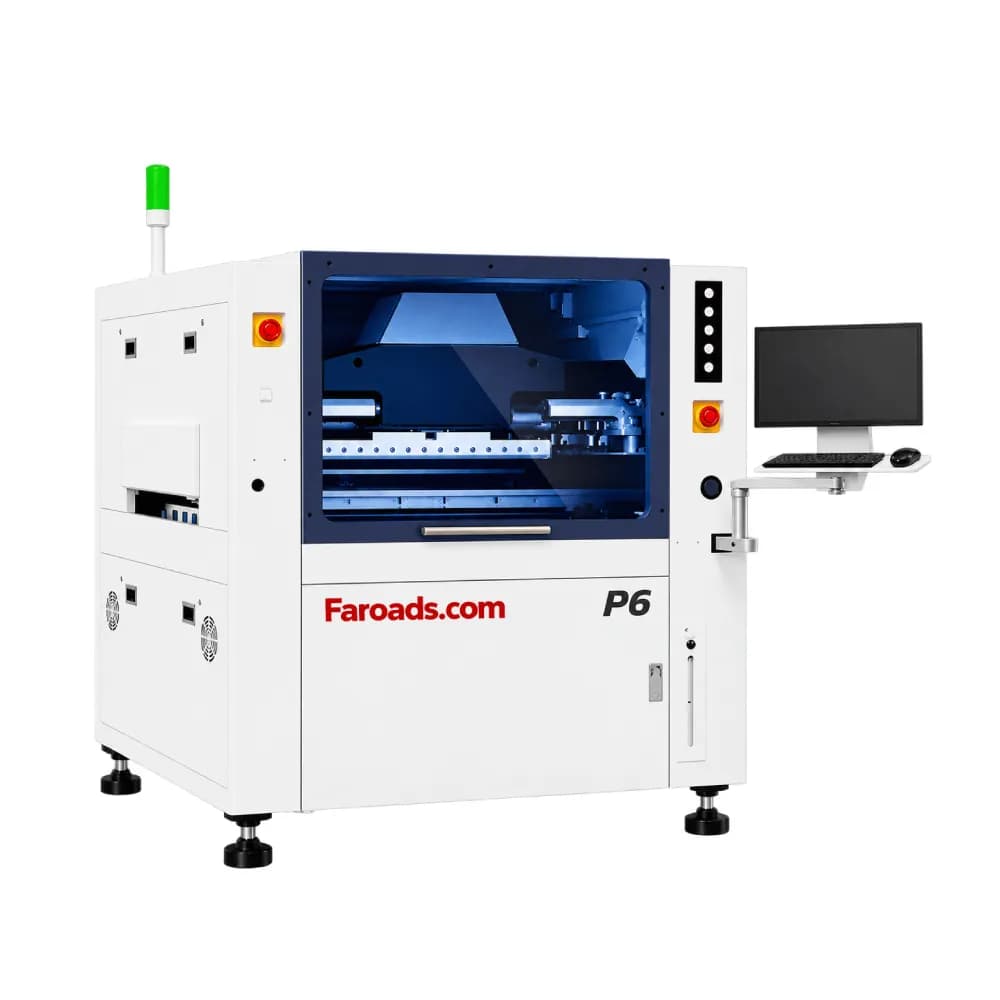
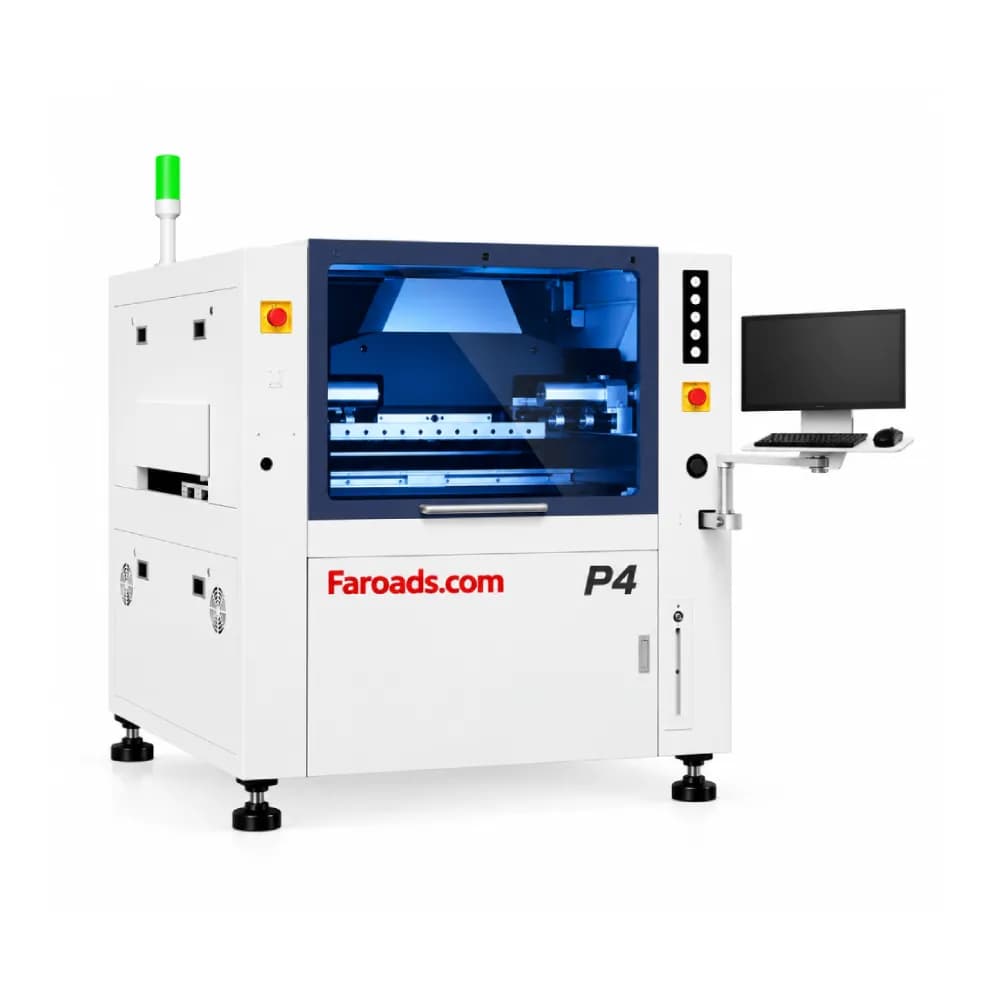
P4. The P4 product page headline describes a medium-format machine for substrates up to 340 × 400 mm and also shows a "Size 340 mm × 460 mm" row. Its detailed specification table, however, repeats P5 values, including a 510 × 510 mm print size. Treat the P4 as the compact model and confirm its print window, frame range and dimensions in the quotation before relying on any single row.
P5. Standard print size is 50 × 50 mm to 510 × 510 mm, thickness 0.4–6 mm, with a 7-second listed cycle. Weight is shown as ≤4 kg in one row and ≤5 kg (substrate) in another. The 510 mm class lines up with the board windows of most FAROAD CPM mounters, which is why the P5 is the usual starting point for a general SMT line.
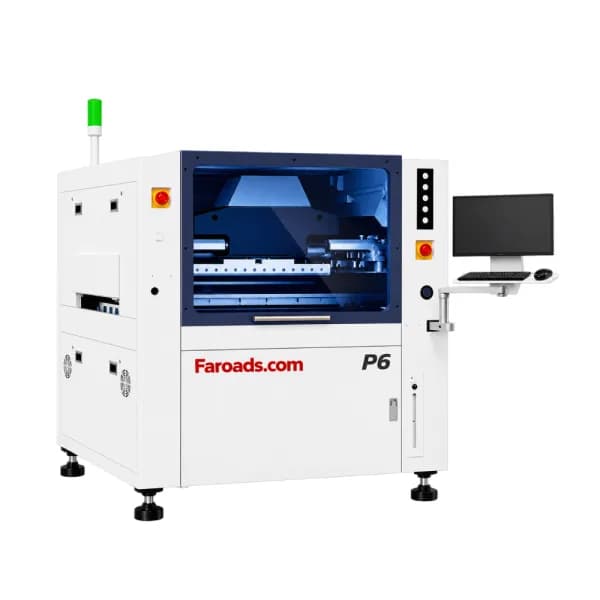
P6. Minimum substrate is 100 × 80 mm and maximum 650 × 610 mm, which the page says can be extended to 750 × 610 mm, with board thickness of 0.6–6 mm and a 10-second cycle. The P6 also lists solder paste, ink and silver paste as application options and a print gap up to 20 mm. It is the large-format choice for big panels or heavy multi-up arrays.
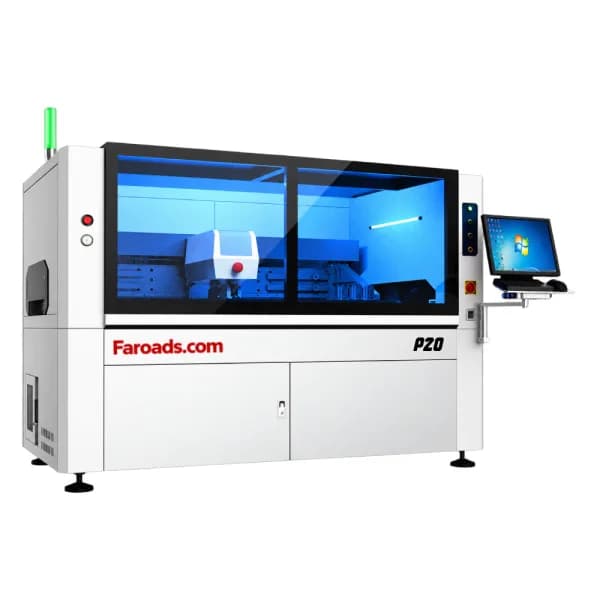
P20. The P20 prints boards as small as 50 × 50 mm and as long as 1,500 mm at up to 350 mm wide, on a 15-second cycle and printing accuracy listed at ±30 μm at 6σ. The page also names a P12 variant for 1,200 mm boards. These are long-board LED printers; our LED solder paste printer guide explains when that class is worth it.
Bigger is not automatically better
A larger printer is not a free upgrade. Larger frames cost more to buy, store and handle. The listed cycle grows from 7 seconds on the P5 to 10 on the P6 and 15 on the P20; those are core cycle figures, not line throughput, but the trend is real. The P6 also raises the minimum substrate to 100 × 80 mm, so very small single boards must be panelized to run at all.
Footprint changes too. The P5 page gives two dimension rows (1,220 × 1,430 × 1,550 mm and an approximate 1,425 × 1,584 × 1,545 mm), while the P20 lists 2,600 × 1,235 × 1,545 mm. Confirm the exact figure for the configured machine before the layout drawing is frozen.
Features shared across the P4 to P6 listings
The P4, P5 and P6 pages list the same standard configuration: automatic stencil positioning after the stencil is placed in the frame, board support from blocks, pins and a spliceable vacuum cavity, side clamping with a platen that retracts, a UVW closed-loop compensation platform, software-set squeegee pressure, and a cleaning system combining wet, dry and vacuum modes. Each lists four transport directions (L→R, L→L, R→L, R→R) and program-controlled track width. Glue dispensing and a 2D post-print inspection are listed options.
So the choice between them is mainly about envelope, frame and speed, not about a different feature set. Utilities are also similar: single-phase AC 220 V ±10 %, and air at 4.5–6 kgf/cm². Check that against your plant supply in the United States, Canada or Mexico before installation.
Match the printer to the rest of the line
A printer wider than the line gains nothing. FAROAD's general CPM mounters list maximum boards in the 510 mm class (the HX40 lists 320 × 580 mm), the L400 loader accepts 400 × 330 mm, and the Inpex 510 SPI inspects up to 450 × 500 mm. If those stations stay, a P6 only pays off when you plan to replace or bypass them. Our board-size compatibility guide shows how to lay every envelope on one sheet.
If the line will add a 3D SPI, size the printer and SPI together. The same panel has to pass both, and the printer cycle sets the pace the SPI has to hold.
A quick sizing sequence
- List panel minimum and maximum, thickness, weight and underside component height.
- List current and planned stencil frame sizes.
- Eliminate any model whose print window or frame range misses either list.
- Check the remaining models against the narrowest downstream station.
- Compare listed cycle and footprint, then ask for a print trial on your largest and smallest panel.
Frequently asked questions
Is the P4 just a smaller P5? The page headline describes it as a medium-format model for substrates up to 340 × 400 mm, but its specification table currently repeats P5 values. Ask for a P4-specific specification sheet with your quotation. Can one printer cover both small boards and long LED strips? Not within the listed envelopes. The P5 stops at 510 × 510 mm and the P20 is built for boards up to 1,500 × 350 mm. Plants running both often keep separate printers or separate lines. Does a larger printer print more accurately? No. The P5 and P6 tables list ±20–25 μm at 6σ, and the P20 lists ±30 μm. Size choice should follow panels and frames, then accuracy should be proven on your stencil. What if my old frames are below the P5 minimum? Plan new frames or an adapter in the budget, and confirm the solution in writing before shipment.
Get a printer sized to your panels
Send FAROAD your panel drawings, frame sizes and target output. We will compare them with the P4, P5, P6 and P20 listings and recommend a model and options. Request a quote to start.