Pick-and-Place Programming: What Buyers Should Check Before Ordering
What goes into a placement program, the data your designers need to supply, where programming and setup time really goes, offline versus on-machine programming, and what the FAROAD CPM listings state about software and changeover.
5 min read
Placement speed gets most of the attention in a mounter quotation. For many factories, the time it takes to turn design data into a running program matters just as much, because every new board and every revision passes through that step. This guide explains what a placement program contains, what data you need from your designers, and how to judge a machine's programming tools before you buy.
What a placement program contains
A placement program is more than a list of coordinates. It typically holds:
- Board definition: outline, thickness, origin, fiducial marks and, for panels, the position of each board and any bad-board marks.
- Placement list: reference designator, X and Y position, rotation and side for every part.
- Component library: body size, lead or ball pattern, height, nozzle choice, vision settings and pick-up and placement speeds for each package.
- Feeder assignment: which part sits in which feeder slot or tray, and in what order the heads collect them.
- Optimization: the sequence and head assignment that balance speed against accuracy.
The coordinates usually come straight from design data. The library and feeder assignment are where experience, time and errors tend to sit.
The data package your designers must supply
Ask your design team or customers for a consistent package with every new job:
- A centroid or pick-and-place file with reference, X, Y, rotation and side, with units and origin stated.
- A bill of materials that uses the same reference designators.
- Gerber or ODB++ data and an assembly drawing showing polarity marks.
- Fiducial positions and panel drawings for panelized boards.
- Notes on parts that need special handling, such as moisture-sensitive or odd-form components.
Most programming delays start with mismatched references, wrong rotations or unclear origins. A short checklist that rejects incomplete data saves hours at the machine.
Where programming time really goes
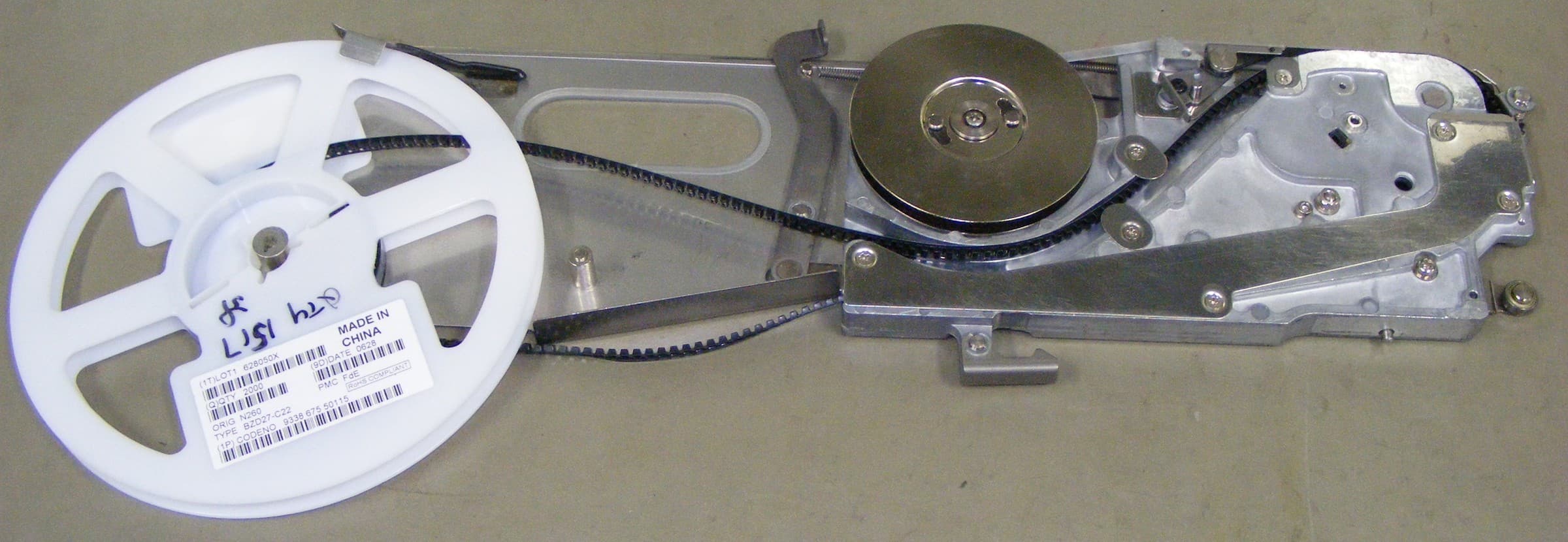
A surface-mount tape feeder with a reel of diodes loaded. Matching each reel to the right feeder slot is part of every new program. Photo: Peripitus. Source on Wikimedia Commons, CC BY-SA 3.0. Resized from 3052 × 1056 px to 2400 × 830 px and recompressed as JPEG for publication; not cropped. This file is shared under the same license.
Importing coordinates takes minutes. The longer tasks are usually:
- New library parts. Each new package needs a body definition and vision settings, then a test pick and a check of the recognition result.
- Rotation checks. CAD rotation conventions differ, so polarized parts must be confirmed against the drawing.
- Feeder setup and verification. Loading reels, confirming each part is in the right slot and recording lot numbers.
- First article. Running the first board slowly, inspecting it and correcting offsets.
A machine with a good library manager, simple rotation tools and clear feeder verification shortens all four. Our article on changeover and feeder investment looks at the setup side in more detail.
Offline programming versus programming at the machine
Programming at the machine is simple to start with, but the mounter stops producing while someone edits. Offline programming moves most of the work to a PC: coordinates are imported, libraries matched, feeders assigned and the sequence optimized while the line keeps running the current job. The machine is then needed only for verification and first article.
For high-mix work, offline programming is close to essential. Our guide to high-mix, low-volume SMT lines explains why programming often becomes the hidden workload when product changes are frequent.
Whichever route you choose, treat the component library as a shared asset. One person or a small team should own package definitions, naming rules and vision settings, so that a part proven on one product is not rebuilt from scratch for the next. Back the library up and keep it in step across every machine on the line.
What FAROAD lists for programming and changeover
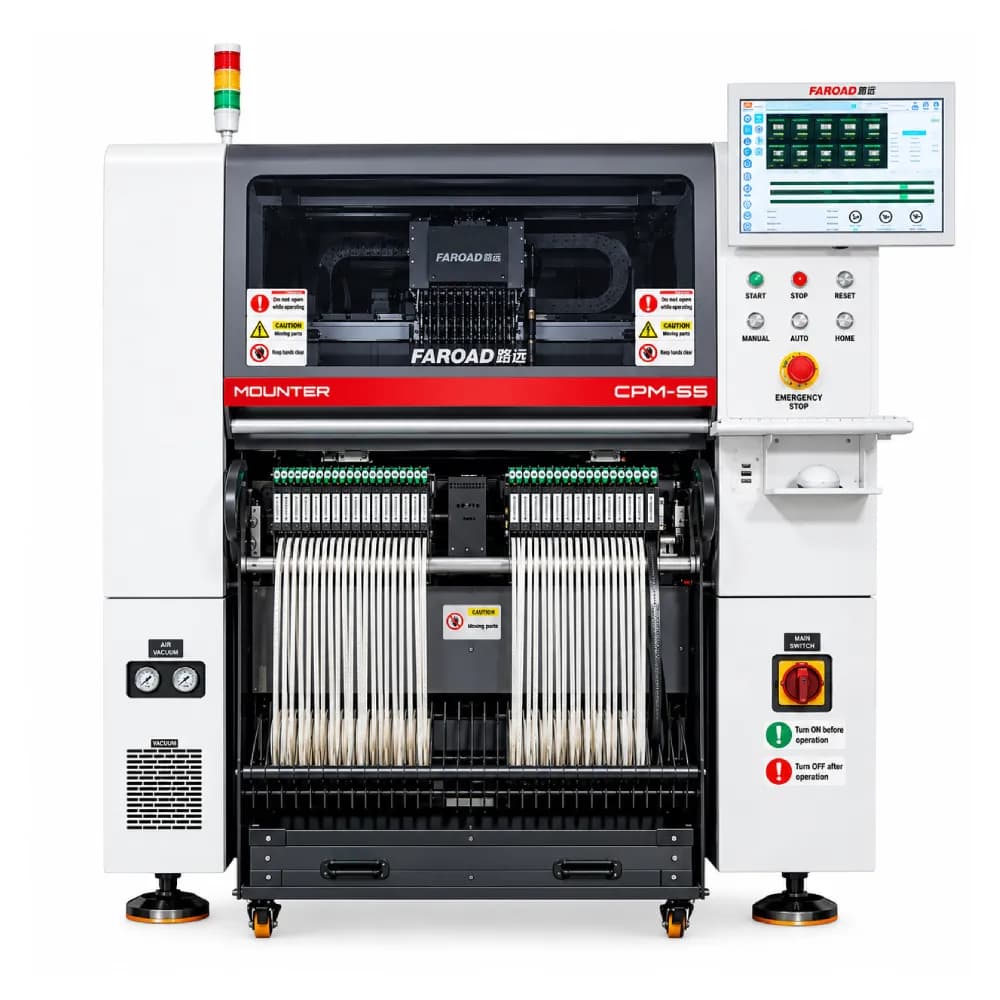
Programming features differ by model page, so read each listing rather than assuming a common package:
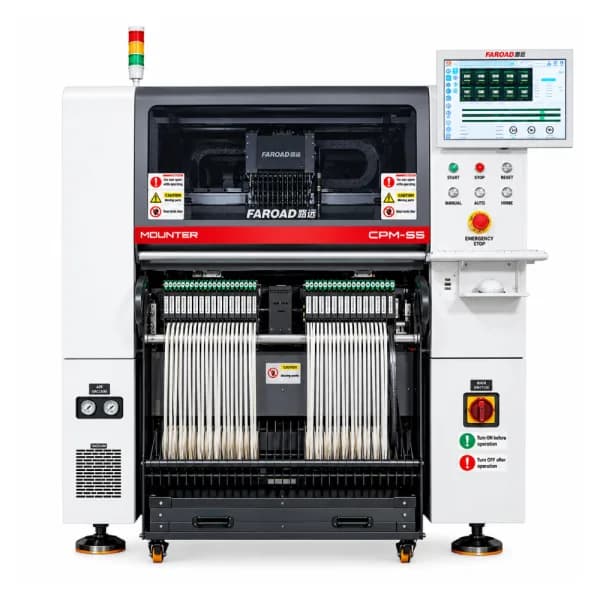
- The CPM-S5 lists VConnector offline programming software for optimization, a data management system with offline program allocation and line-wide MES integration.
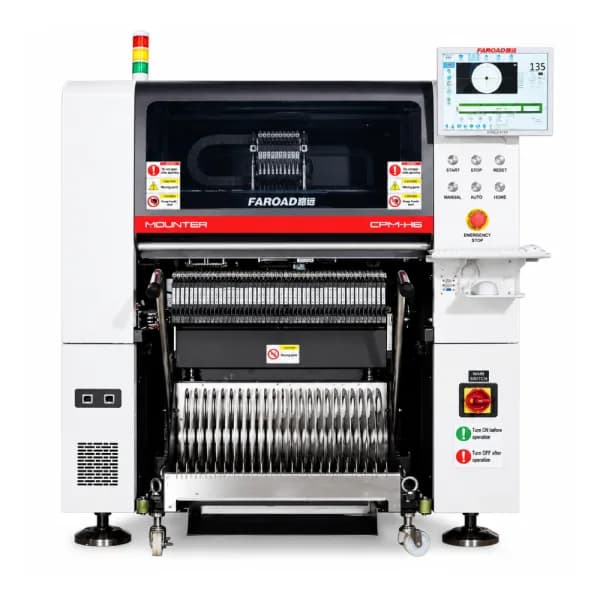
- The CPM-F6 lists path optimization (ant colony algorithm, cluster analysis and AI deep learning), import of placement coordinates in one step from a text or Excel file, editing tools for non-standard parts, and a networked parts database that stays synchronized between machines.
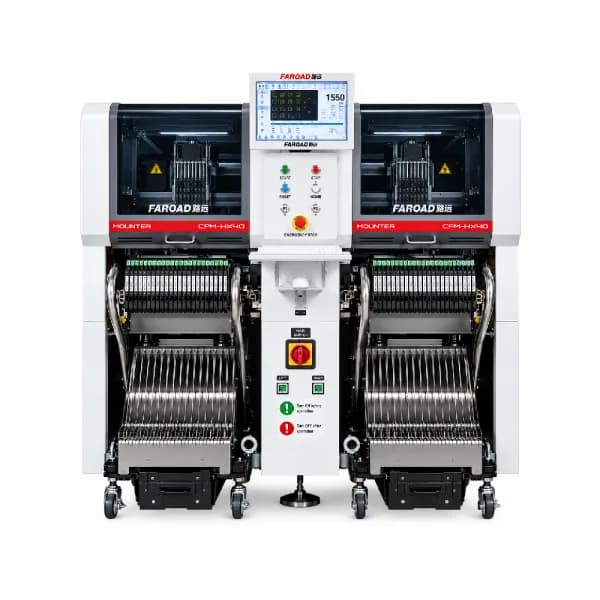
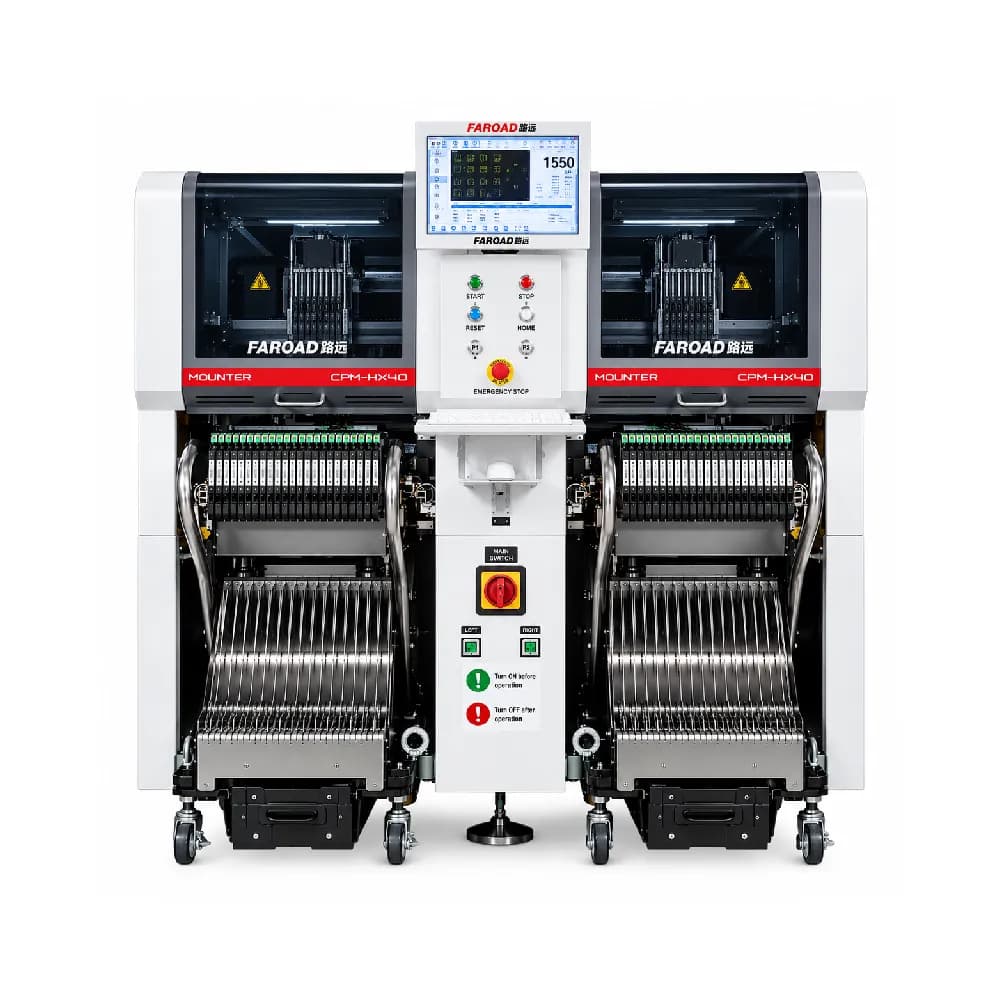
- The CPM-H6, CPM-F6 and CPM-HX40 list quick model switching via QR code as an option. The H6 and HX40 list an automatic nozzle exchange station with 40 positions, and dock carts appear on the H6, F6 and HX40 option lists.
- The CPM pages also mention MES connectivity, with board data tied to a scanned QR code or barcode.
The complete SMT line page describes VConnector offline programming, MES integration, data collection and remote equipment control as digital functions configured to the project. Confirm in your quotation which software, licences and seats come with each machine.
How to test programming during evaluation
Ask the supplier to program one of your real boards in front of your team, starting from your own data package. Measure:
- Time from file import to a complete, optimized program.
- How many parts needed new library entries and how long each took.
- How rotation and polarity errors are caught.
- How feeder assignment is shown and verified at the machine.
- How a program revision is handled when the BOM changes.
- Whether programs can be stored, versioned and shared between machines on the network.
Repeat the test with a second board that reuses some of the same parts. A good library should make the second program noticeably faster.
Frequently asked questions
Can a pick-and-place machine import my CAD file directly? Most machines import a text or spreadsheet coordinate file rather than the native CAD file. The CPM-F6 lists one-click import from text and Excel files. Check accepted formats with your actual exports. How much time should a new placement program need? It depends on how many new library parts the board brings and how clean the data is. Ask for a timed demonstration on your board rather than relying on a typical figure. Do I need offline programming software for a single machine? If you change products more than a few times a week, offline programming usually pays back in recovered machine time. For long runs of one product, it matters less. Can placement programs connect to MES? CPM models list MES data collection over TCP/IP and barcode or QR binding. Agree the data fields with your MES provider before installation.
See programming on your own board
Send FAROAD a recent data package and an idea of how often your products change, and we will show programming and changeover on a CPM model that matches your mix. Request a quote to book the review.